 Focus anywhere
Apple AirPods
Block distractions, take calls, and stay focused while you review documents.
Explore on Amazon Beta
Beta
View page-by-page visual differences.
Focus anywhereBlock distractions, take calls, and stay focused while you review documents.
Explore on Amazon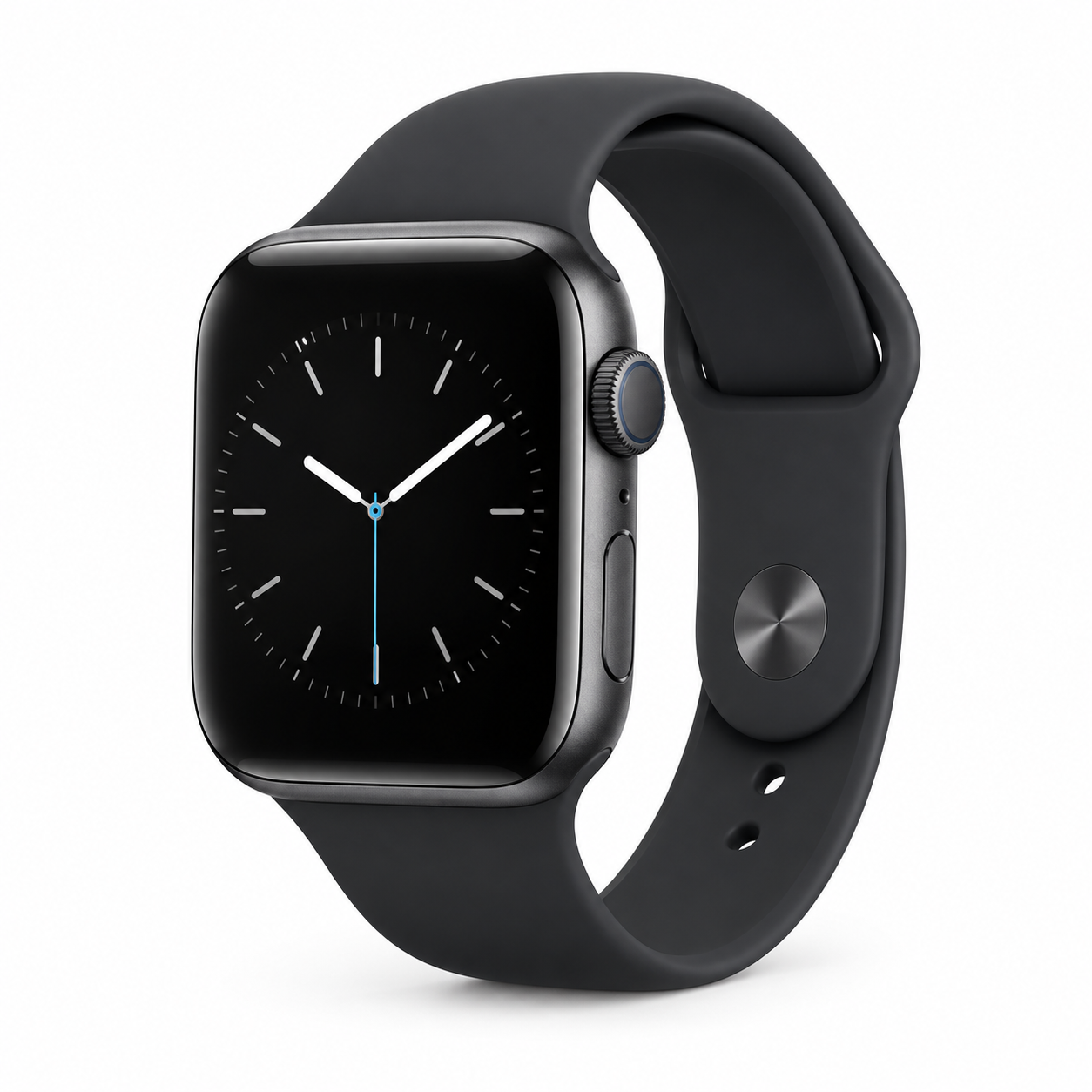 Stay on schedule
Keep messages, reminders, and meeting alerts close without breaking your workflow.
Explore on Amazon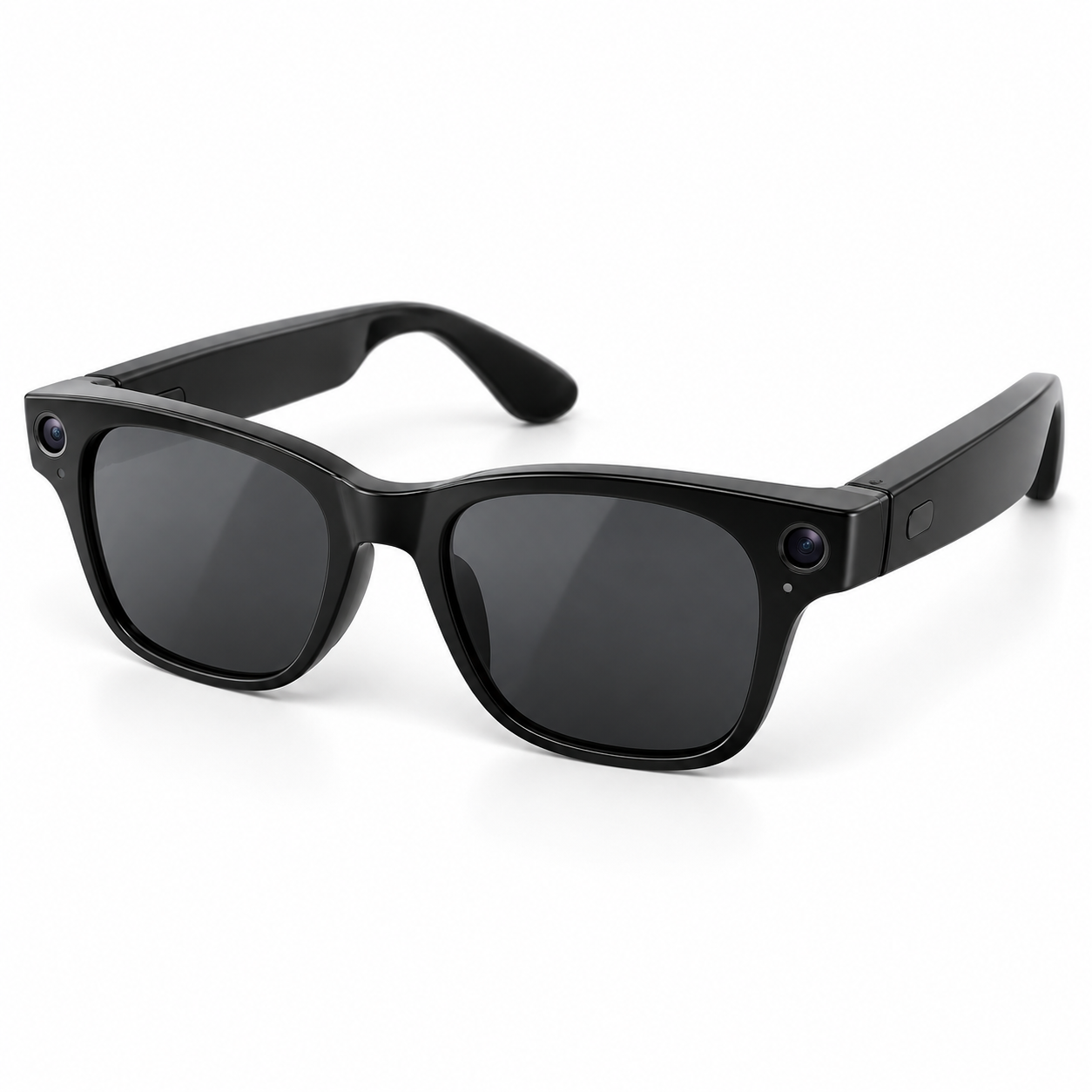 Work hands-free
Capture ideas, listen, and communicate hands-free when work takes you on the move.
Explore on Amazon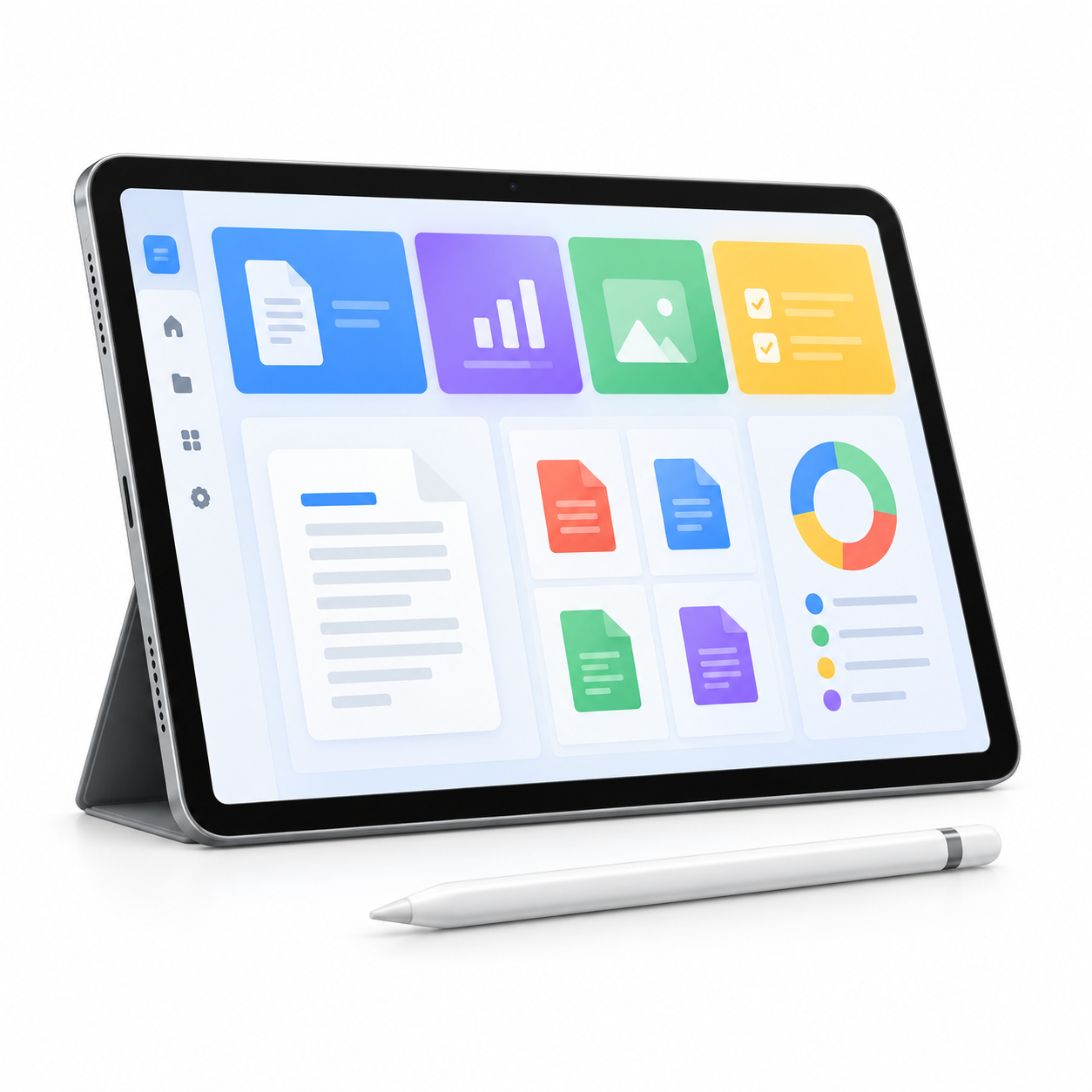 Documents on the go
Read, annotate, sign, and organize PDFs from one portable workspace.
Explore on AmazonAs an Amazon Associate, My PDF Helper earns from qualifying purchases. Product images are original category illustrations, not photographs of a specific model.
Uploaded files are used only to perform the requested task. Visitors receive five trial uses of each tool and files are limited to 20 MB each. Free-plan results are retained for one day; see the service information and Privacy Policy.
Yes. Visitors can use each PDF tool five times before logging in or creating a free account.
Yes. Keep the original and review page count, layout, text, images, forms, signatures, and other important details before using the result.